
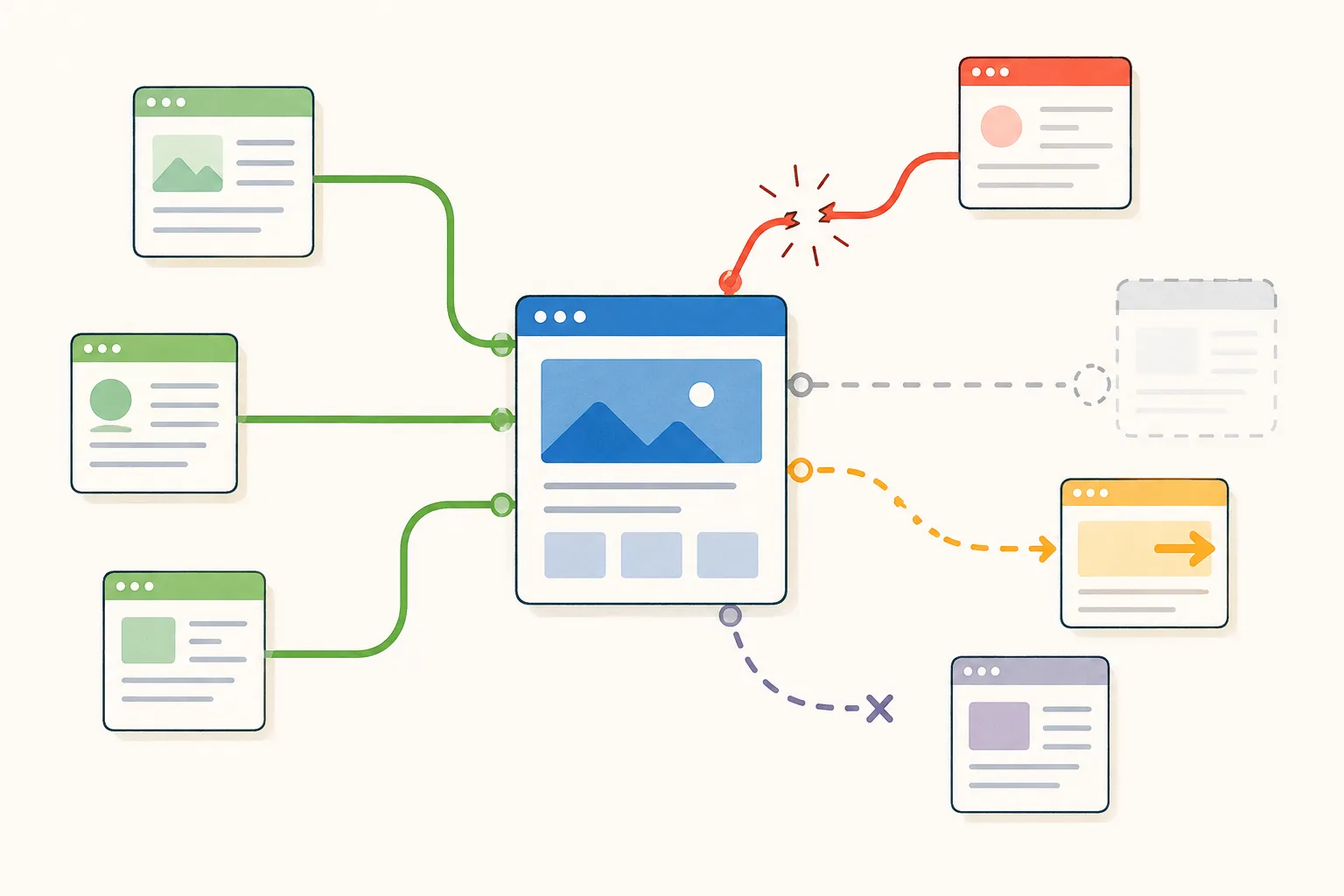
You have already lost links you never noticed. Redesigns, content pruning and migrations break inbound links quietly, and recovering them is faster and more certain than earning replacements — because the publisher already decided to link to you once.
Link building is framed almost entirely as acquisition. Find new prospects, earn new links, grow the number. Meanwhile the number is leaking. Every site over a couple of years old has inbound links that no longer work — pointing at URLs that changed, pages that were deleted, or content that moved during a migration. The publisher still links to you. The link just does not land anywhere useful. Recovering those is the cheapest link building available, because the hard part already happened. Someone decided your page was worth linking to.
What counts as a lost link
Four distinct situations, and they need different fixes.
Broken inbound links. An external site links to a URL on your domain that now returns a 404. The link exists, the destination does not. This is the most common and the easiest to fix, because you can resolve it entirely from your own side.
Redirected into irrelevance. The old URL redirects, but to your homepage or a category page rather than to equivalent content. Technically not broken; practically useless to the reader and diluted as a signal.
Removed links. The publisher deleted the link during an edit, a redesign, or a content cleanup. The page still exists, your link is gone. This one needs their cooperation.
Dead source pages. The page that linked to you no longer exists. Nothing to recover — the link is genuinely gone. The first two are yours to fix. The third is a conversation. The fourth is attrition. Worth separating this clearly from broken links on your site pointing at your own pages. Different problem, different fix, and it is covered in the internal linking work under the website traffic stopped growing guide. That said, both surface in the same audit and both are worth fixing in the same session, because the cause is usually identical. Someone changed a slug. That breaks every external link pointing at the old URL — the subject of this article — and every internal link pointing at it too. One action, two sets of casualties, no warning either time. Linkexchange handles both from the same report. It repairs broken links wherever they are, inbound or internal, and on the internal side it goes further: it suggests the connections your site is missing, so you are not only fixing what broke but adding what was never there. Orphan pages, weak pages, dead ends, and the specific links that should exist between related articles. The distinction that matters for this article: **external links you can only redirect, because you do not control the source page. Internal links you can repair, add, and restructure at will.** The first is recovery. The second is the thing most sites have never done at all.
How to find them
Google Search Console — free and the best starting point. Pages → Not indexed → Not found (404). This lists URLs Google tried to reach and could not. Cross-reference against your Links report to see which of those 404s have external sites pointing at them. Any overlap is a lost link with a known referrer.
A backlink tool, free tier. The major tools all have a best-by-links report that can be filtered to 404 responses — the fastest view of dead URLs still holding inbound links, ranked by how many. Start at the top: one dead URL with thirty referring domains is worth more than twenty with one each. Most also carry a broken backlinks report showing the referring page for each.
Analytics. Set a report filtering to your 404 page with the referrer as a secondary dimension. This catches live traffic hitting dead URLs, which tells you which losses are actively costing you visitors.
For removed links, compare over time. Lost referring domains appear in most tools’ reporting. Check monthly and investigate anything valuable that disappeared — sometimes the page moved rather than the link being deleted.
Or run it from inside WordPress. All of the above means exporting from two or three places and matching them up, then repeating it next quarter. Linkexchange reports broken links and 404s against your live install, so the URLs holding inbound links and returning errors are a list you open rather than one you assemble.
The fixes, in order of effort
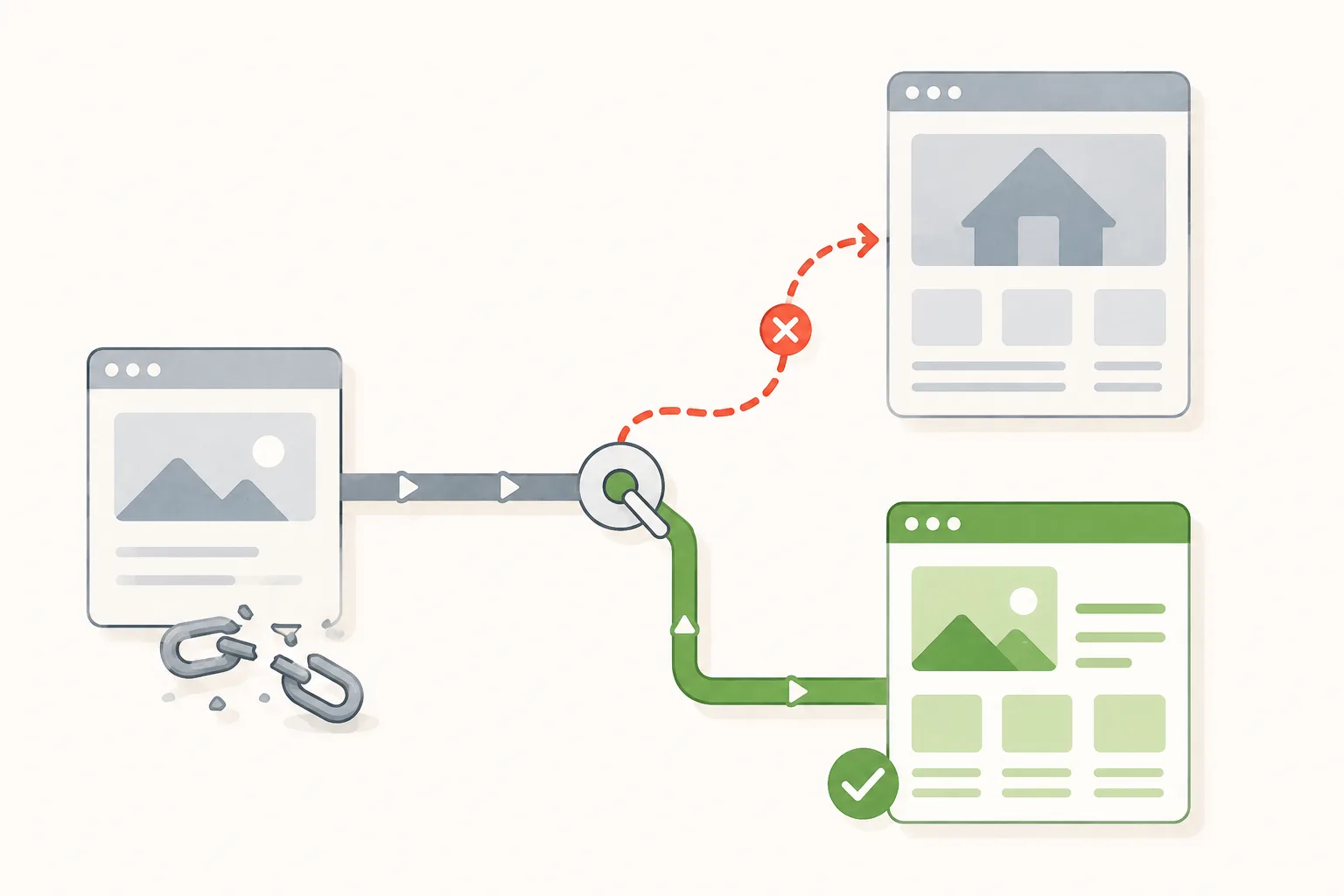
Fix one — 301 redirect the dead URL. Resolves most cases and requires nobody’s cooperation. Point the old URL at the closest genuinely equivalent page.
Never redirect everything to the homepage. It is the default temptation and it is wrong on two counts: it tells search engines nothing about relevance, and it drops a reader who wanted something specific onto a page that does not have it. If there is no equivalent page, consider whether one should exist.
Fix two — restore the page. If the deleted content held meaningful links, republishing it at the original URL is often better than redirecting. The Wayback Machine will show you what was there. A page with twenty referring domains is worth restoring even if the content needs rewriting — twenty referring domains would cost thousands to earn from scratch at the rates in the how much do backlinks cost breakdown.
Fix three — repoint an unhelpful redirect. If old URLs currently redirect to a category page or the homepage, update the redirect to point somewhere genuinely relevant. Ten minutes, no outreach.
Fix four — ask the publisher. Only necessary for removed links, or where you want the link updated to a new URL rather than relying on a redirect. This is the only fix that needs someone else.
On doing the first three at volume. Thirty-four dead URLs is the worked example below, and each one needs the same decision: does the page still exist somewhere, is it recoverable from an archive, or is there a close equivalent already on the site? That is exactly what Linkexchange resolves. It finds the broken URLs and repairs each by whichever route applies — the current URL where only the slug changed, the archived version where the page is genuinely gone, or the closest equivalent on your site where neither holds. Bulk fix commits every repair and its redirect in one click on the paid tier. The judgement in the list above stays yours: whether a deleted page deserves restoring rather than redirecting is a call about the content. What goes away is doing the same lookup thirty-four times.
The ask, when it is needed
This converts better than almost any other outreach, because you are reporting a defect on their page rather than requesting a favour.
Subject: Broken link on your [article topic] piece Hi [name], The link to us in your [specific section] is pointing at an old URL that no longer resolves — we moved that content during a site update. Current URL is [new URL] if you want to update it. Either way, thanks for the original mention. [name]
The same rules as any link request apply: name the specific place, keep it short, supply the exact replacement, and make it easy to ignore. Do not mention SEO. For genuinely removed links, the ask is weaker — you are asking them to reverse an editorial decision. Send one, do not chase, and accept the answer.
Why this beats acquisition on every measure
Compare the effort honestly.
Earning a new link costs anywhere from an hour and a half for an exchange to eight hours for a guest post, and most attempts fail before producing anything.
Recovering a lost one costs the time to find it plus the time to write a redirect rule. For broken inbound links — the majority case — there is no outreach, no persuasion, and no failure rate. The fix works or the URL was wrong. A typical first audit on a site five or more years old surfaces somewhere between a handful and several dozen recoverable links, and a meaningful share of them resolve with redirects alone. That is genuinely better return per hour than anything in the backlink strategies ranking, and it is the first thing to run before spending effort on acquisition.
A worked audit
A content site, seven years old, two platform migrations and one major redesign behind it. First reclamation audit.
404 URLs with inbound links: 34.
Sorted by referring domains pointing at each:
- One URL with 22 referring domains — a research post deleted during a content prune three years earlier, apparently because it had stopped ranking. Nobody checked what linked to it. Fix: restored from the Wayback Machine at the original URL, lightly updated. This single recovery was worth more than the rest of the audit combined
- Three URLs with 4 to 7 domains each — old guides whose slugs were changed in an SEO cleanup. Fix: 301 redirects to the current URLs. Ten minutes
- Eleven URLs with 2 to 3 domains each — casualties of the category restructure. Fix: redirected to the current archives
- Nineteen URLs with a single link each — mostly from low-value sources. Redirected in bulk where an obvious destination existed, ignored otherwise
Separately, the lost-links report showed 9 removed links where the source page still existed. Six were on pages that had been substantially rewritten, so the removal was editorial and not worth contesting. Three looked accidental and were asked about. Two were restored.
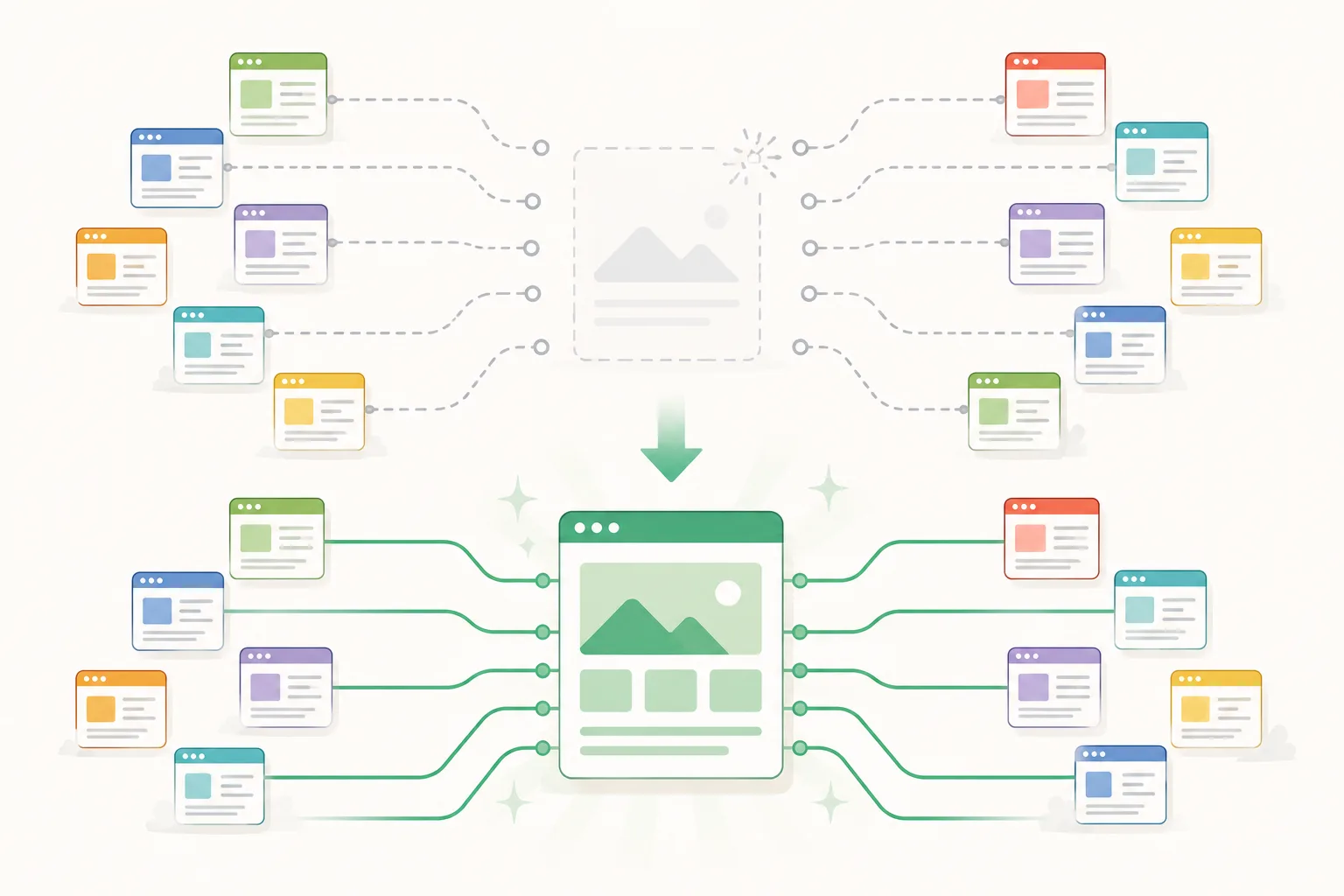
Total: roughly 40 referring domains recovered in an afternoon. The pattern worth taking from it: the value was extremely concentrated. One deleted post held more than half the recoverable value, and it had been deleted deliberately by someone who did not know it was the most-linked page on the site. Always sort by referring domains before doing anything else.
Why it keeps happening, and how to stop it
Lost links are almost never caused by carelessness at the moment. They accumulate through routine actions nobody flags as risky.
- Slug changes. Someone edits a post URL for SEO reasons. Every external link to the old URL breaks silently. This is the single most common cause
- Content pruning. Deleting old posts without checking which have inbound links. Some of your most-linked pages are old ones you would not think to protect
- Migrations. Platform changes, domain changes, HTTP to HTTPS, restructured URL patterns. The redirect map always misses cases
- Category restructuring. Renaming or merging categories breaks every link to the old archive URL
- Removing campaign pages. Landing pages built for an event, then deleted afterwards, sometimes with press coverage pointing at them
Three habits prevent most of it.
Before changing any slug, check whether the URL has external links — thirty seconds in any backlink tool.
Before deleting any page, run the same check and redirect rather than removing.
After any migration, audit 404s within the first week, when the changes are fresh and the fixes are cheap.
The number nobody tracks
Most link reporting counts acquisition. Almost none counts survival, which makes the reported figure an overstatement that grows every month after it is calculated. Link rot is the default outcome for any programme without monitoring. Links disappear through redesigns, pruning, expired domains, and quiet SEO cleanups on the publisher’s side. Some of that is unavoidable attrition. Some of it is recoverable, and you cannot tell which without checking. Track four things: referring domains now, new this month, lost this month, and the proportion of links built six months ago that are still live. That last figure is the one that changes how you think about cost per link, because it converts a one-off price into a running rate. That is also the reason this audit is a habit rather than a task. You can recover forty referring domains this afternoon and lose six more over the next year without noticing, because nothing tells you when a link goes. Continuous monitoring is what closes that loop — Linkexchange surfaces a removal when it happens rather than at an audit next quarter, which turns reclamation from something you remember to do into something that flags itself. Run the audit quarterly regardless. It takes an hour, it recovers links you already earned, and it is the only link building work with a near-certain success rate.